Title here
Summary here
New start screen
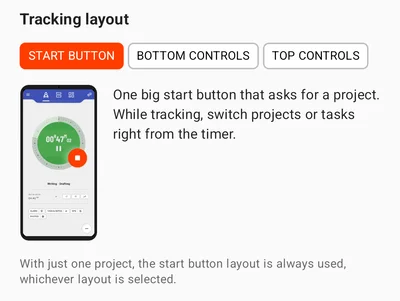
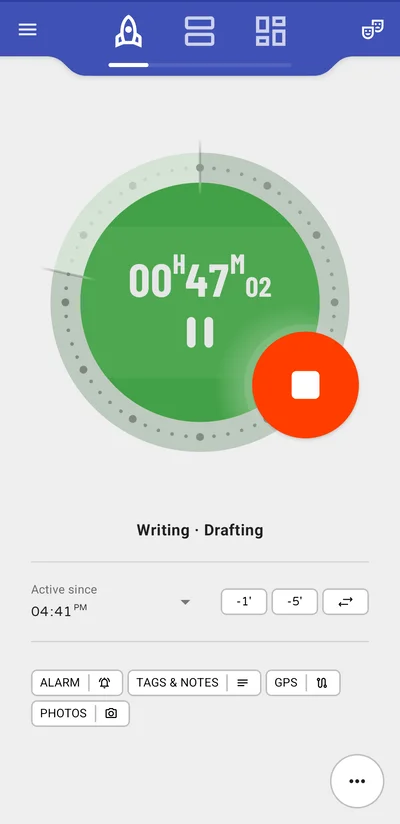
One big start button for all your projects — with several, it asks which project and task to track. While tracking, the ring marks how much of the hour has passed. Tap the time to pause, or switch projects and tasks with the button next to -1’ and -5’, without stopping first.
Tracking layout setting
Prefer a list? Under Settings → Tracking layout, choose the start button, or your projects as a list with the controls at the bottom or top.