Title here
Summary here
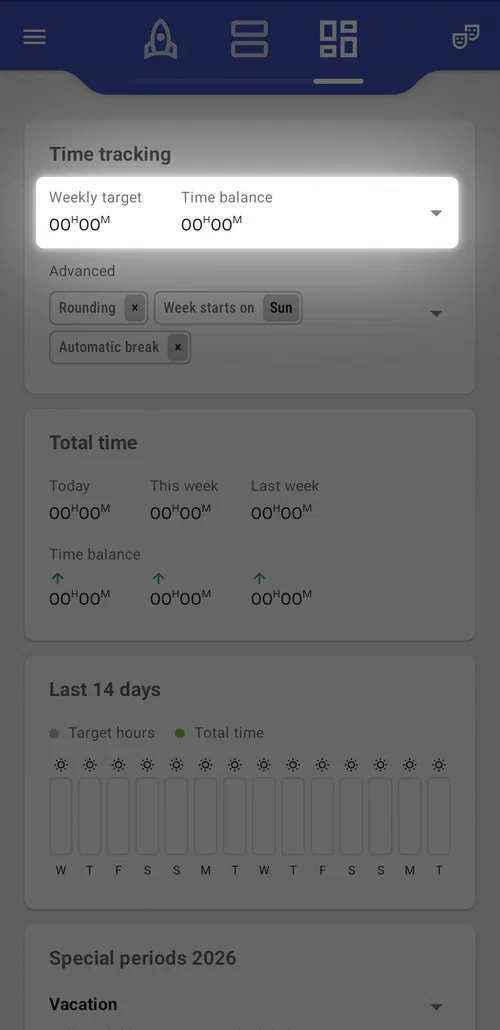
Your time balance is the running total of how much you’ve worked versus how much you were expected to, summed up over time.
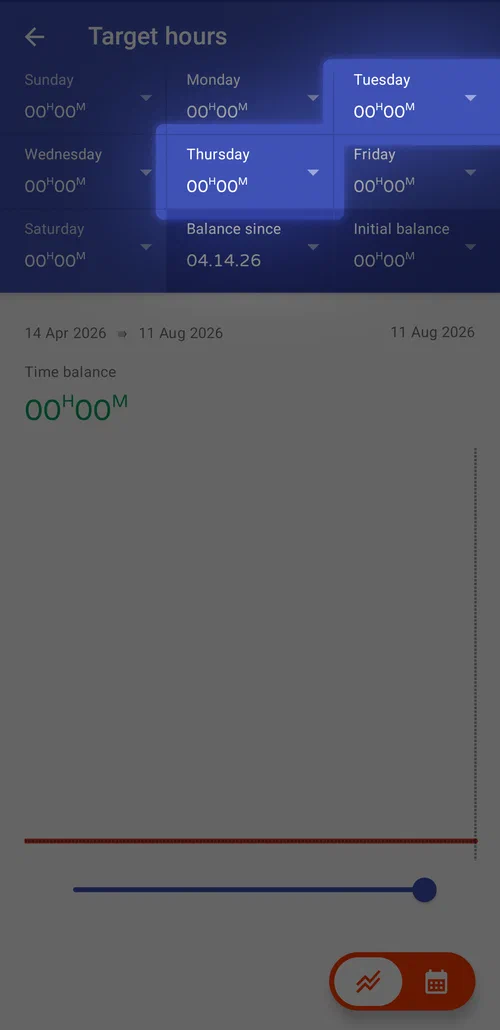
For example, if your daily target is 6 hours but you worked 8 hours a day for 5 days, your time balance comes out to +10 hours — 10 hours of overtime.
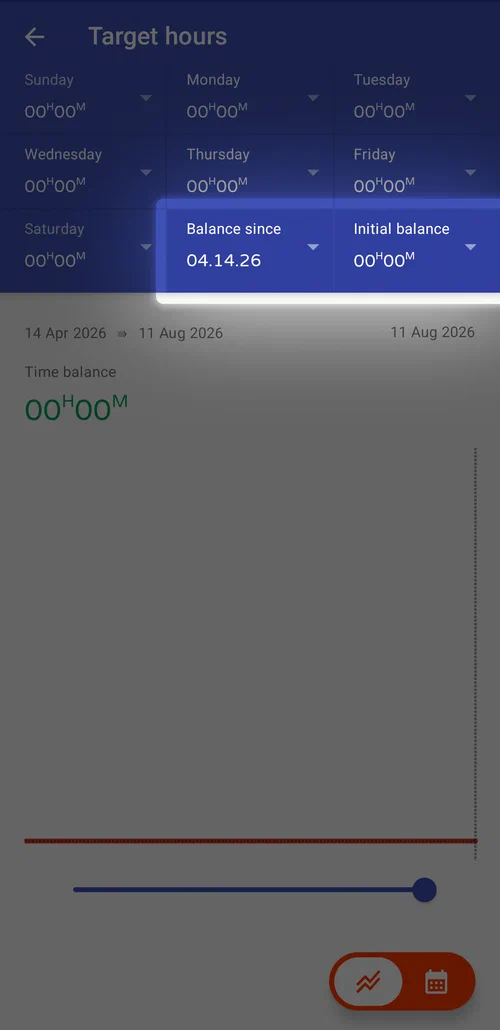
You can set the “Balance since” date the calculation starts from, along with an initial balance to start it at. That’s useful once your overtime has been paid out and you want your time balance to reset from that point rather than carry the old total forward.
Your daily target isn’t the only thing that shapes it: vacation, sick leave, and other special days don’t count against your balance either, and neither do holidays, since none of them carry a target time of their own.
To set up your daily targets, open the setup page from the profile settings. You can do that either from the home screen (for the current profile), either from the concrete profile page.